
A small idea. A little movement. Something entirely yours.
Create hand-drawn animation.
Start with your words.
Turn a scene description into a short, hand-drawn animation with AI. Choose pencil, ink or colorful storybook styling, then preview and download your video. No drawing or coding skills required.
Eligible new accounts receive 40 credits for one free 5-second animation after signing in. No card required.
AI Hand-Drawn Animation Generator
Turn words into hand-drawn animation
HandDrawnAI is an AI hand-drawn animation generator for short visual stories. Describe a character, a setting and one clear action, then choose the drawing style, duration and frame shape. The result is a moving illustration with a hand-drawn look, created from your text.
Start with a focused scene: a fox stepping through a puddle, a bird landing on a branch, or a seedling opening its first leaves. These ideas give a short clip a clear beginning and a visible change. Preview the result, adjust your description for another generation, and download a silent WebM video when you find a version you like.
The hand-drawn appearance is generated by AI; it does not mean an artist manually draws every frame. Use the examples to explore the visual style before spending your trial credits.
How to write hand-drawn animation promptsTHE SKETCHBOOK
Explore all examplesHand-drawn animation examples
Explore the scenes, compare drawing styles, and use a sample prompt as a starting point.
Follow a little curiosity
StorybookA small decision
Pencil sketch01 — 02 — 03
How to create an animation from text
Start with a thought
Describe a character, a place, and what happens. A sentence is plenty.
Give it a feeling
Choose soft storybook color, expressive ink, or the quiet charm of pencil.
Watch your idea move
Preview your animation, download the video, and share a small piece of your imagination.
THREE WAYS TO DRAW
Choose your hand-drawn style
The drawing style changes how a scene feels. Choose a visual direction before generating, and describe the colors, setting and movement you want to see.
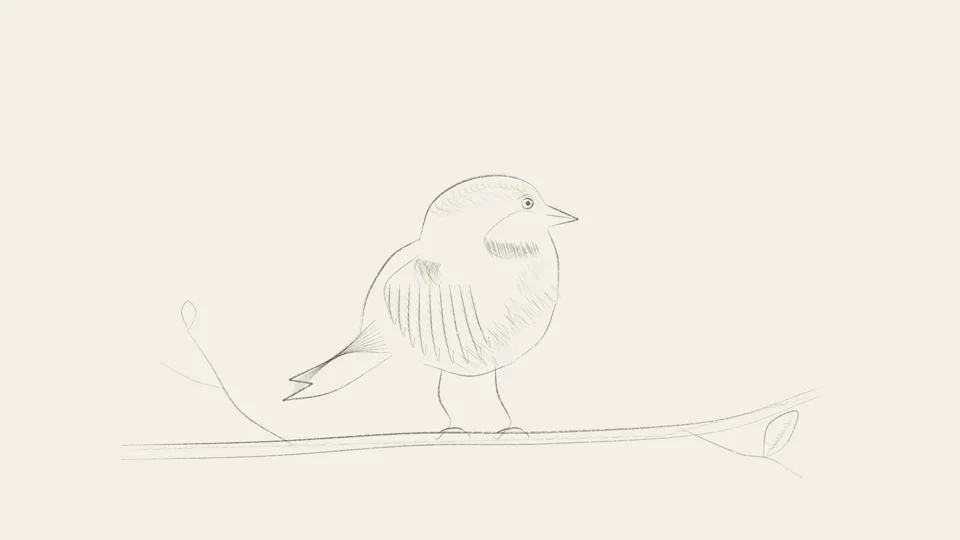
Pencil sketch
Choose pencil for soft lines, restrained color and a sketchbook feel. It suits quiet character moments, simple nature scenes and ideas where the movement should be the focus. Keep the background uncluttered so the subject remains easy to read.

Ink and wash
Choose ink for expressive outlines with washes of color. Try it for a rainy street, a leafy garden or a character with a clear silhouette. Describe a small palette and one main action to give the scene a coherent visual direction.
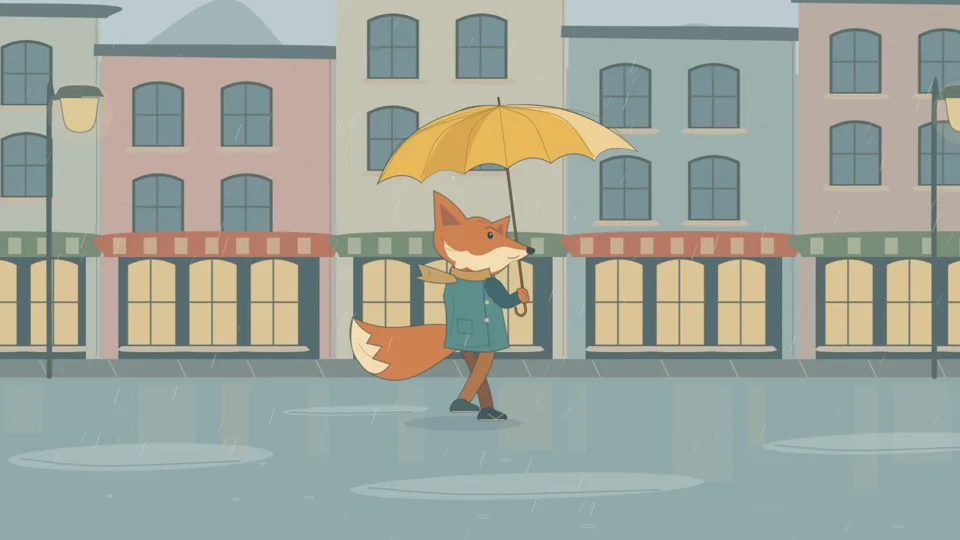
Colorful storybook
Choose storybook styling for warm colors and playful illustrated scenes. It is a useful starting point for animal characters, friendly greetings and imaginative settings. Name the main colors in your prompt rather than asking for every object to compete for attention.
What can you make with hand-drawn animation?
Use a short animated illustration when one visual moment can communicate the idea. Plan around what changes on screen, rather than trying to fit an entire story into a few seconds.
Social posts and visual hooks
Animate a recognizable moment: a steaming cup, a waving character or a flower opening. Choose a vertical, square or landscape frame to suit your layout. If your publishing platform requires another format, convert the downloaded WebM in a compatible editor before uploading.
Teaching and short explainers
Show one step in a process, such as a seed sprouting or a character making a choice. A focused scene can support a lesson or presentation. Add labels, narration and any factual corrections in your editor, and check the result before using it as teaching material.
Story ideas and animated greetings
Explore the mood of a scene, bring a greeting to life or test how a character’s action could look. For a longer sequence, generate separate scenes and assemble them in an editor. Review each clip for consistency instead of assuming characters will look identical across generations.
FROM WORDS TO MOVEMENT
Write a clearer animation prompt
A useful hand-drawn animation prompt explains what the viewer should see and what should move. Start with the subject, add a setting, describe one main action, and finish with the colors and camera framing. For a 5-second clip, one readable action is a practical starting point.
If the result feels busy, simplify the background or remove secondary actions. If the motion is unclear, replace a vague instruction such as “make it magical” with a visible action such as “the fox tilts its head.” Change one part of the prompt at a time so you can judge what improved.
Read the animation prompt guideGuides
GuidesAnimation prompts and practical guides
Practical guides to hand-drawn animation prompts, visual styles and short explainer videos. Start with one idea and a scene you can actually describe.
How to write hand-drawn animation prompts
Build an animation prompt around one character, one action and a clear ending. Use a five-second example and a practical revision checklist.
Read the guidePencil, ink or storybook: choose an animation style
Compare pencil, ink and colorful storybook animation for mood, subject clarity and short scenes, with a prompt you can adapt across styles.
Read the guide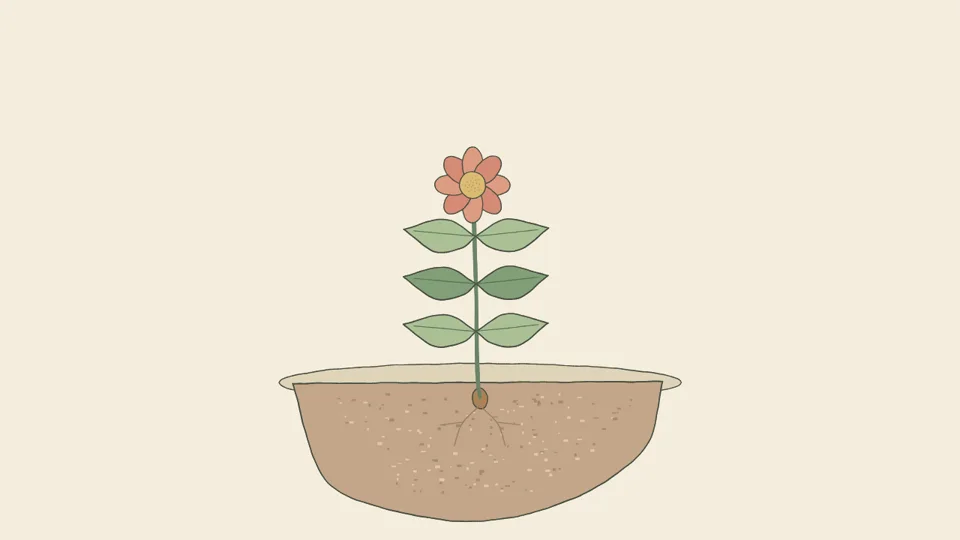
Plan a short hand-drawn explainer video
Turn one idea into a simple hand-drawn explainer scene. Plan a visual metaphor, choose a format and finish a silent WebM clip in your editor.
Read the guideQuestions about hand-drawn animation
Is this traditional hand-drawn animation?
HandDrawnAI creates AI-generated animation with a hand-drawn visual style. You describe the scene in text instead of drawing each frame yourself. The result can resemble a pencil sketch, an ink illustration or a colorful storybook scene.
Do I need to know how to draw?
No. Describe your idea, choose a style and format, and create. You can start with one of our example prompts, too.
Can I make colored animations?
Yes. Storybook and ink styles support color, while pencil sketch gives your scene a softer look. Include your preferred colors in your prompt.
How long can my animation be?
Choose 5, 7, 14, or 21 seconds. Eligible new accounts can try one 5-second animation free after logging in. Longer stories work best as several short scenes.
What can I download?
Completed animations are available as silent WebM videos. You can add music, narration or captions in an editor that supports the format. If your destination requires MP4, convert the file before publishing.
Can I try it for free?
Eligible new accounts receive a one-time grant of 40 trial credits after signing in. That covers one 5-second animation. A 7-second clip uses 60 credits, a 14-second clip uses 120, and a 21-second clip uses 180. Failed generations receive an automatic credit refund.
Can I create a longer story?
You can plan a longer story as several short scenes and combine the exported clips in a video editor. Give each scene one main action and review the results for visual continuity. Character details may vary between separate generations.
What can I use these animations for?
Try storybook scenes, social posts, educational illustrations, greeting cards, and short explainers. Use prompts and materials you have the rights to use.
Create your first animated scene
Describe one clear action, choose your drawing style, and bring the scene to life.
Start creating