Plan a short hand-drawn explainer video
A short hand-drawn animation works best as a visual beat inside a larger explanation. It can introduce a lesson, illustrate a newsletter idea or add a quiet moment to a social post. Start with one point the viewer should understand, rather than trying to fit a complete presentation into five seconds.
Choose one message and a visible metaphor
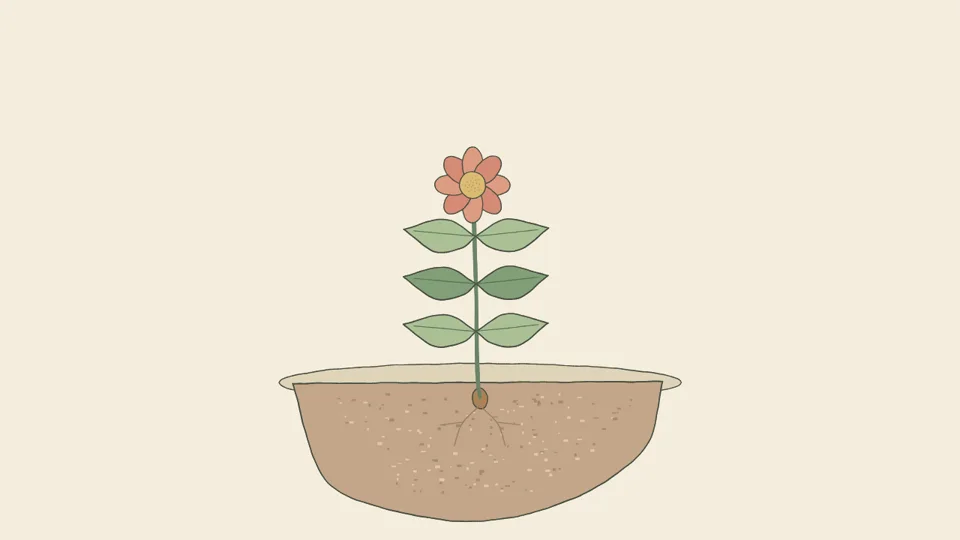
For 'small habits grow over time', a seedling opening two leaves is enough. For 'make room to think', a cup settling on an uncluttered desk may work. Write the message for yourself, then describe only what the viewer will see. Avoid abstract instructions like 'show productivity' without an object or action.
Plan the sequence before generating
Use a simple three-part beat: establish the object, show one change and hold the result. A seed rests in a pot, a shoot appears, then two leaves open. This is a stylized metaphor, not a scientifically timed growth demonstration. For lessons that depend on factual detail, check the visuals and explanation before publishing.
Choose the frame for its destination
HandDrawnAI supports 16:9, 9:16 and 1:1. Use a wide frame for a presentation, a vertical frame for a portrait-oriented edit, or a square composition for a compact post. Keep the important action near the center and leave space for captions you will add later. Destination platforms may have additional upload requirements.
Finish the explanation in an editor
Generated clips download as silent WebM videos. Add accurate captions, narration, music and your brand mark in your own editor. Convert the file there if your destination requires MP4. HandDrawnAI does not currently add voiceover or export MP4 directly. Review the full edit for timing and legibility before sharing it.
Choose the actual duration and aspect ratio in the studio. Eligible new accounts can use 40 trial credits for one five-second clip. Review the current pricing page before planning a larger sequence; revisions use generation credits too.